Protect Your Course PDFs from Unauthorized Sharing

PDF Ghost Team
Oct 2, 2025
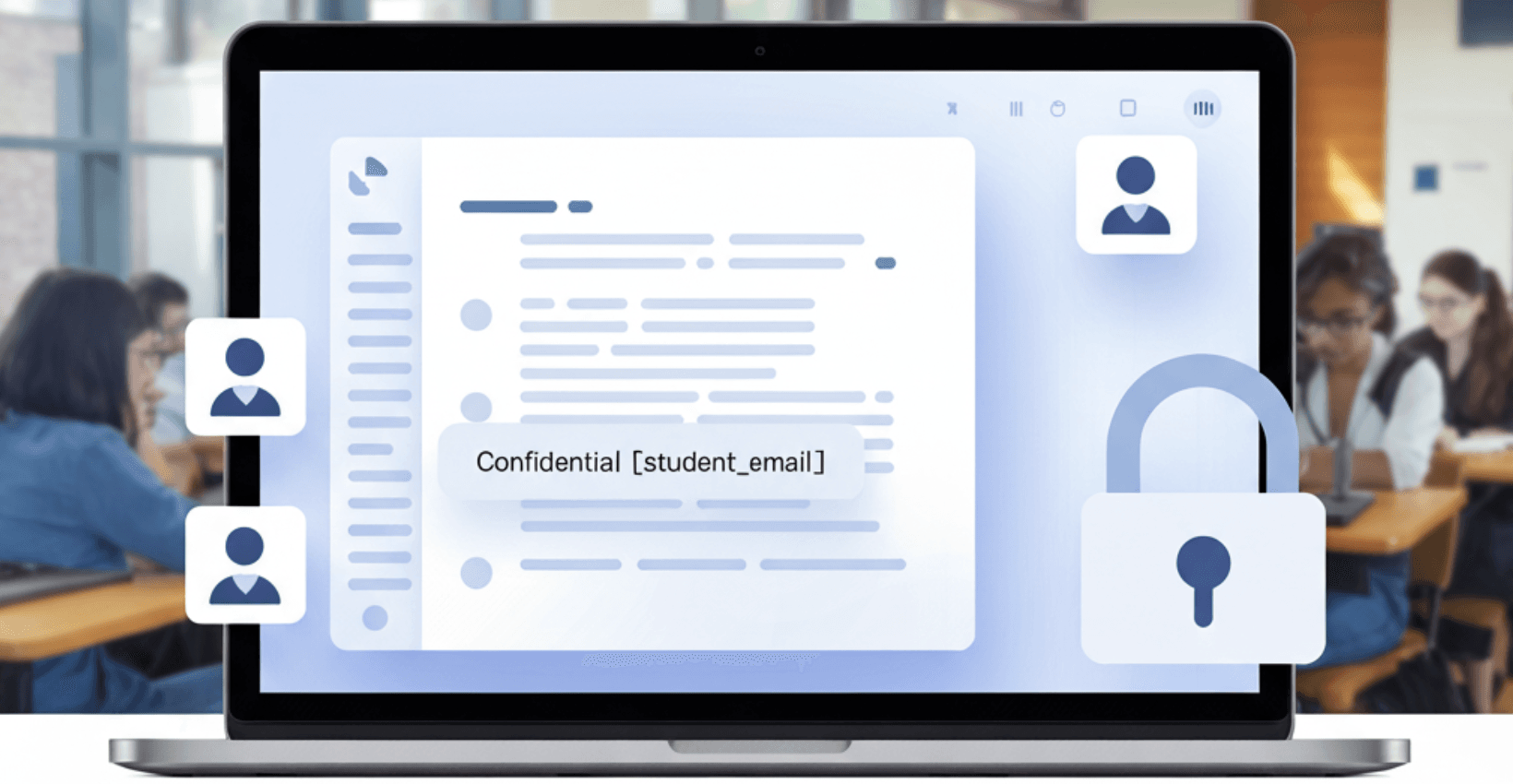
You spent weeks preparing a premium course PDF: detailed lessons, original exercises, polished formatting. Then a student uploads it to a Telegram group, and within hours, hundreds of people have your work for free.
Studies show that a significant share of digital educational materials get shared without authorization within weeks of distribution. For independent educators and small course creators, every leaked PDF is lost revenue and undermined trust.
With invisible PDF fingerprinting, every student gets a unique, traceable copy, and if a leak happens, you can identify which recipient's copy was shared, with evidence to help attribute it. (Note: fingerprint attribution identifies a specific issued copy; corroborating evidence may be needed before taking action.)
🎓 Why Educators Are the Biggest Targets
Teachers, tutors, and course creators face a unique challenge. Unlike software companies that can gate access behind login walls, educators need to distribute their content. Students need offline access. They need to print, annotate, and study on their own time.
That makes PDFs the default format for educational content — and also the easiest format to share without permission.
Common leak scenarios in education:
- A student forwards a paid worksheet pack to their entire study group
- Exam papers appear on Reddit or Discord hours before the test
- A former student uploads your entire course library to a file-sharing site
- Lecture notes get resold on platforms like Studocu or Course Hero
The core problem rarely involves malicious intent. Most students don't think of it as "stealing." They're helping a friend. The cumulative impact on educators adds up.
🔒 Why Passwords and Watermarks Fall Short
Most educators who try to protect their PDFs start with one of two approaches: password protection or visible watermarks. Both have serious limitations.
Password protection stops unauthorized viewing — in theory. In practice, the first student who opens the file can share both the PDF and the password. There's no way to trace who did it. For a deeper look at all available methods, see our guide on how to protect a PDF.
Visible watermarks (like stamping "Confidential — student[at]email.com" across each page) act as a deterrent. But they're easy to crop out, they make documents harder to read, and students resent them. A watermark that degrades the learning experience defeats the purpose of sharing quality materials.
What educators need is protection that's invisible to the student but traceable to the source — and that's exactly what PDF fingerprinting provides.
🧠 How PDF Fingerprinting Works for Educators
PDF Ghost uses invisible fingerprinting to embed a unique, undetectable identifier into every copy of your PDF. Here's how the workflow looks in practice:
-
Upload your PDF — whether it's a lesson plan, exam paper, study guide, or certification document. The original stays untouched.
-
Add your student list — paste names, emails, or student IDs. You can add them manually or import a CSV from your LMS.
-
PDF Ghost generates unique copies — each one looks identical to the naked eye but contains an invisible fingerprint tied to that specific student. The fingerprint uses multiple layers (HMAC-based encoding, XMP metadata, invisible text) so it improves recoverability depending on retained signals (e.g. partial metadata, text, or image artifacts) after printing, scanning, or cropping.
-
Distribute normally — hand out the PDFs however you usually do: email, LMS upload, shared drive. Students notice nothing different.
-
If a leak happens — upload the leaked file to PDF Ghost's Leak Checker. It identifies which student's copy was shared, giving you the evidence you need.
Real-world example: An online academy sells a premium IELTS preparation course as a PDF bundle. Each of the 200 enrolled students receives fingerprinted copies. Three weeks later, the instructor finds the full bundle on a Telegram channel. They upload the leaked file, and PDF Ghost identifies which student's copy was leaked — a learner who had shared it with "a few friends." The instructor now has proof for their terms of service enforcement.
💡 Key Benefits for Educators
Protect Revenue Without Adding Friction
Fingerprinted PDFs work everywhere: Adobe Reader, Preview, any PDF viewer. Students don't need to install anything, create accounts, or deal with access restrictions. Students get a normal PDF; you get traceability.
Deter Sharing Through Accountability
When students know their copy is uniquely traceable, behavior changes. They think twice before forwarding it to a group chat. The fingerprint itself is invisible, but you can tell students it exists, and that alone reduces unauthorized sharing.
Scale From 5 Students to 5,000
Whether you're a solo tutor with a handful of students or a university department distributing materials to thousands, PDF Ghost handles the volume. Generate hundreds of unique copies in seconds, not hours.
Protect Exams and High-Stakes Assessments
Exam security is one of the most critical use cases. A leaked exam paper can invalidate an entire assessment cycle. With fingerprinted copies, you can identify the source of an exam leak and act before the damage spreads.
🧩 Use Cases Across Education
Independent tutors and coaches: You sell PDF workbooks, practice sheets, or course materials. Fingerprinting lets you share confidently, knowing that if a file surfaces somewhere it shouldn't, you can trace it back.
Universities and schools: Distribute lecture notes, reading lists, and exam papers to enrolled students. If materials leak to forums or chat groups, identify the source and enforce academic integrity policies.
eLearning platforms and course creators: Protect the downloadable resources that come with your courses. When students pay for access, fingerprinting ensures the value stays with paying customers.
Corporate training providers: Share internal training manuals, compliance documents, and certification materials with employees. If sensitive content leaks externally, trace it back to the individual who shared it.
📋 Best Practices for Educators Using PDF Ghost
-
Tell students their copies are tracked — transparency is the strongest deterrent. A simple note like "This document contains invisible fingerprinting for leak detection" changes behavior fast.
-
Fingerprint every distribution, not just exams — consistency matters. If students know only exams are tracked, they'll share everything else without a second thought.
-
Include it in your terms of service — make it clear that unauthorized redistribution violates your policies and that you have the tools to detect it.
-
Combine with basic access controls — fingerprinting works best as the traceability layer. Pair it with password protection or encryption for defense in depth.
-
Act on leaks promptly — when you detect a leak, follow up. Whether it's a warning, a conversation, or a policy action, consistent enforcement reinforces the deterrent.
❓ Frequently Asked Questions
Does fingerprinting affect the quality of my PDFs?
No. The fingerprint is embedded in invisible layers — metadata, imperceptible text, and micro-adjustments that don't change how the document looks or reads. Students receive a pristine copy.
Can students remove the fingerprint?
The fingerprint uses multiple redundant layers. Even if a student strips metadata or converts the file, other layers remain intact. PDF Ghost is resilient to many common tampering attempts, but may not be foolproof in all cases. Print/re-scan survivability depends on method and scan quality; the multiple redundant layers improve overall recoverability.
How many PDFs can I fingerprint?
PDF Ghost uses a token-based system. Free accounts include 50 tokens per month — enough to get started. Paid plans scale up to 20,000 tokens per month, and you can purchase additional token packs anytime for burst usage.
Can I use PDF Ghost with my LMS?
Yes. You can integrate PDF Ghost via API to automatically generate fingerprinted copies when students enroll or download materials. This works with any LMS that supports webhooks or custom integrations. Check the documentation for setup details.
What if the leaked file is a screenshot or photo, not the original PDF?
Fingerprinting works best with the original PDF file or a printed/scanned version. Screenshots and photos may not contain enough fingerprint data for identification, depending on quality and what's captured.
🚀 Start Protecting Your Course Materials Today
Each unprotected PDF you distribute could end up somewhere you never intended. PDF Ghost gives every student a unique, traceable copy without changing your workflow or degrading their experience.
Join thousands of educators who've already taken control of their content distribution.
👉 Try PDF Ghost for free and fingerprint your first document in under a minute.